
Run your nursery from one app, not WhatsApp and Excel.
Attendance, daily reports, photos and parent chat in one nursery management and daycare app. Set up within 48 hours.
Available in English and Arabic.


One app. Three roles. Everyone in the picture.
Each role gets its own screens, built around its day: the owner dashboard, the teacher app and the parent app.
Owner
See the whole nursery at a glance
- See today's children, teachers and incidents on one dashboard.
- Manage rooms, capacity, schedules and which teacher is where.
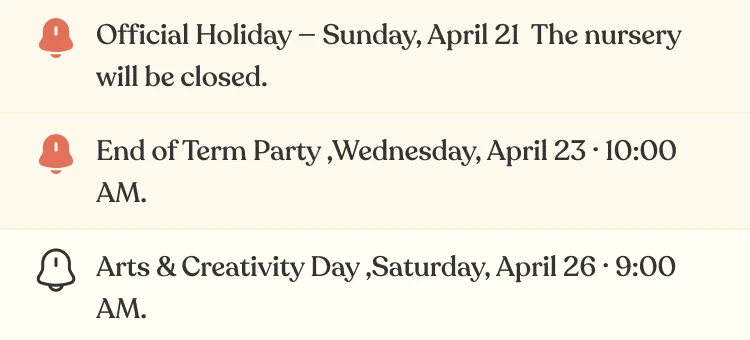
- Send announcements and events to a room or the whole nursery.
- Review attendance and incident logs, and set opening hours and how close parents must be to check in.

Teacher
Your room, in your hand
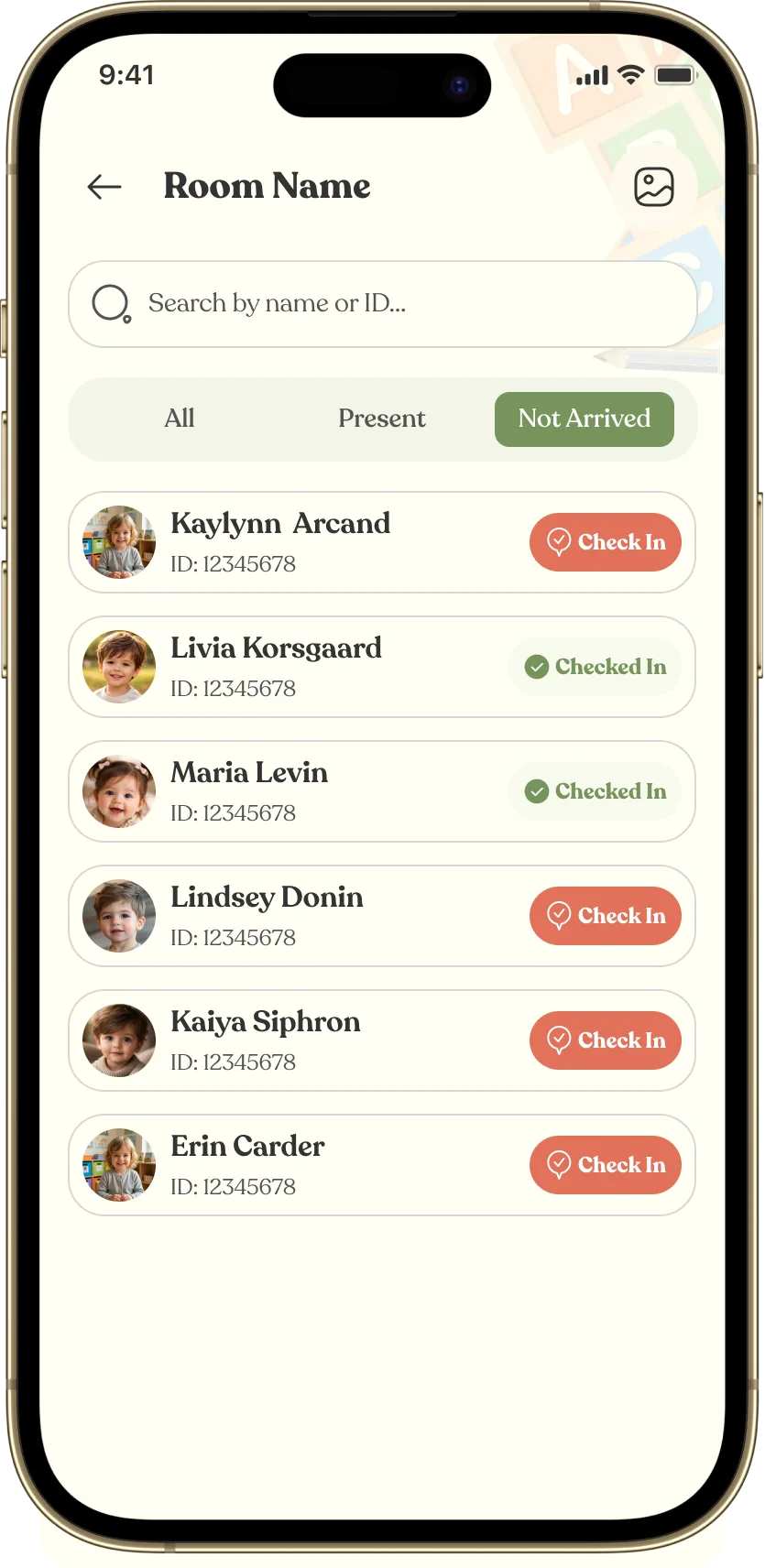
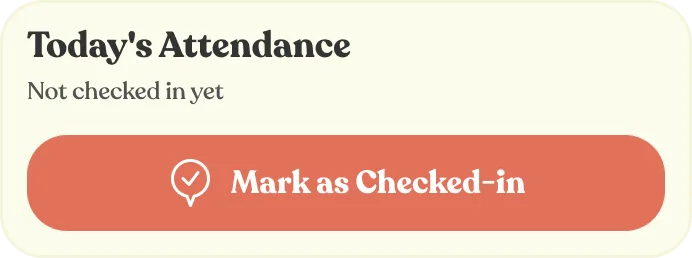
- Open your room and see who is in, not arrived or absent. Mark a child in by hand.
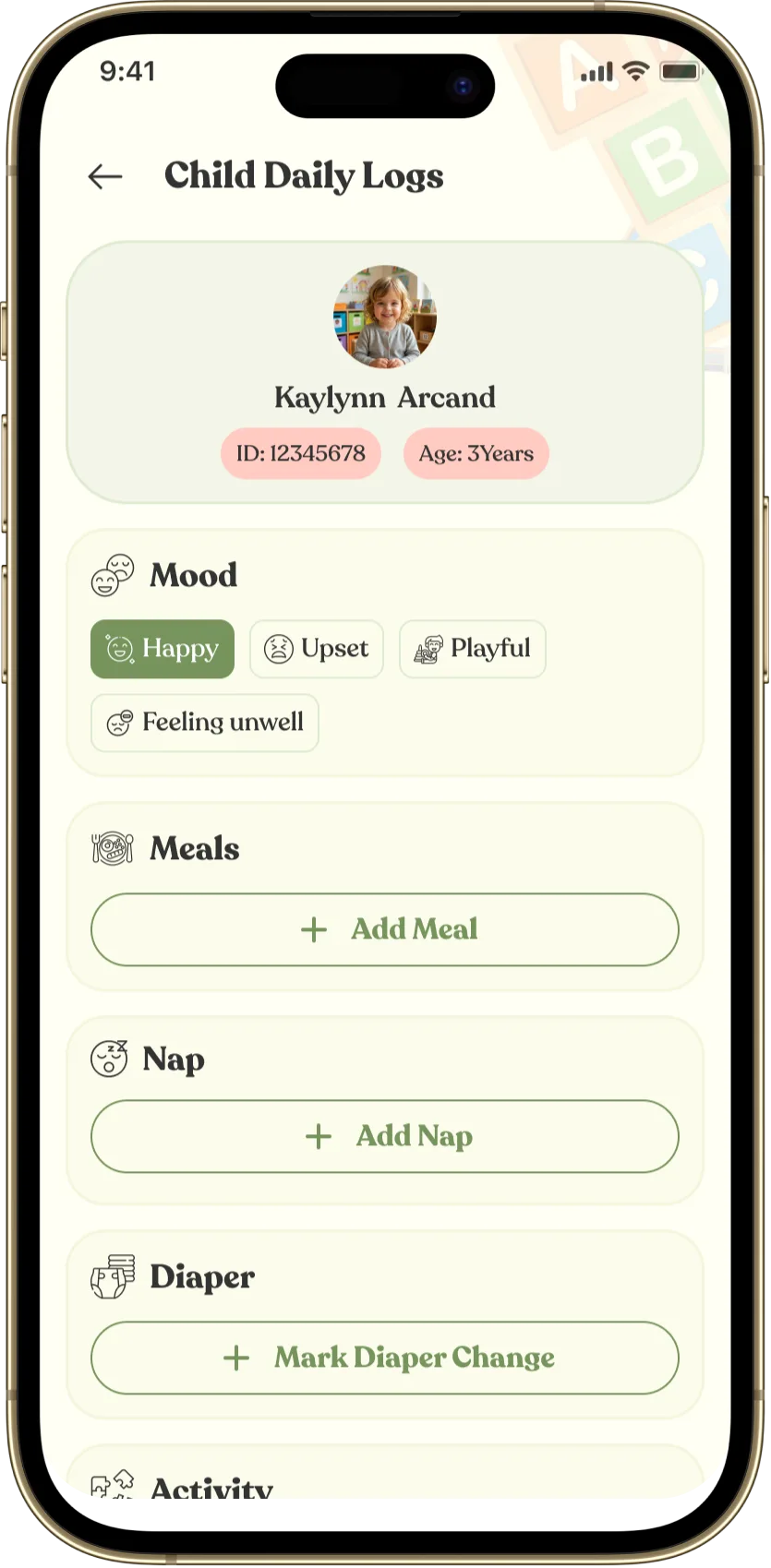
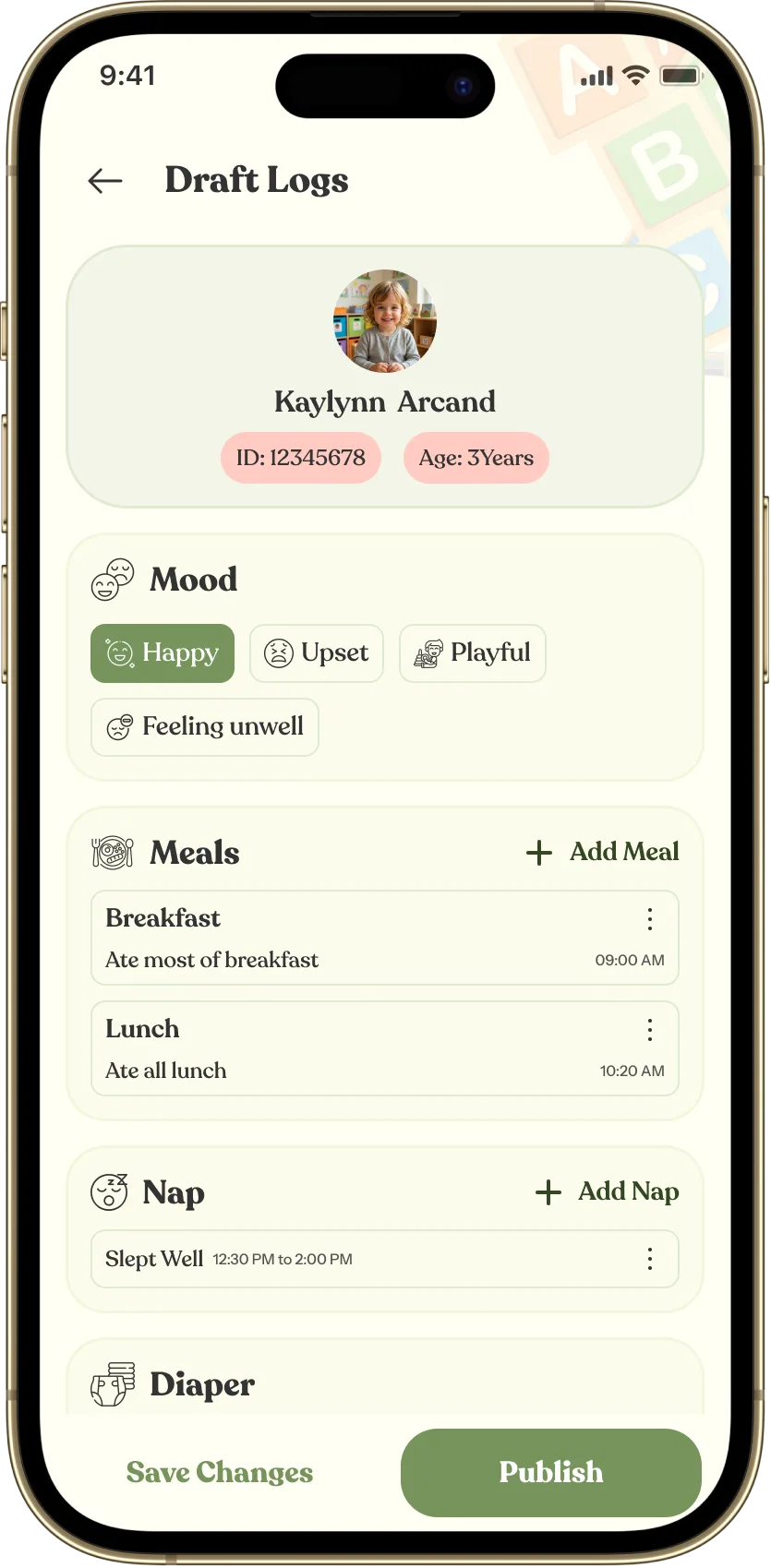
- Log mood, meals, nap, nappies, activities and medication. Save drafts and publish.
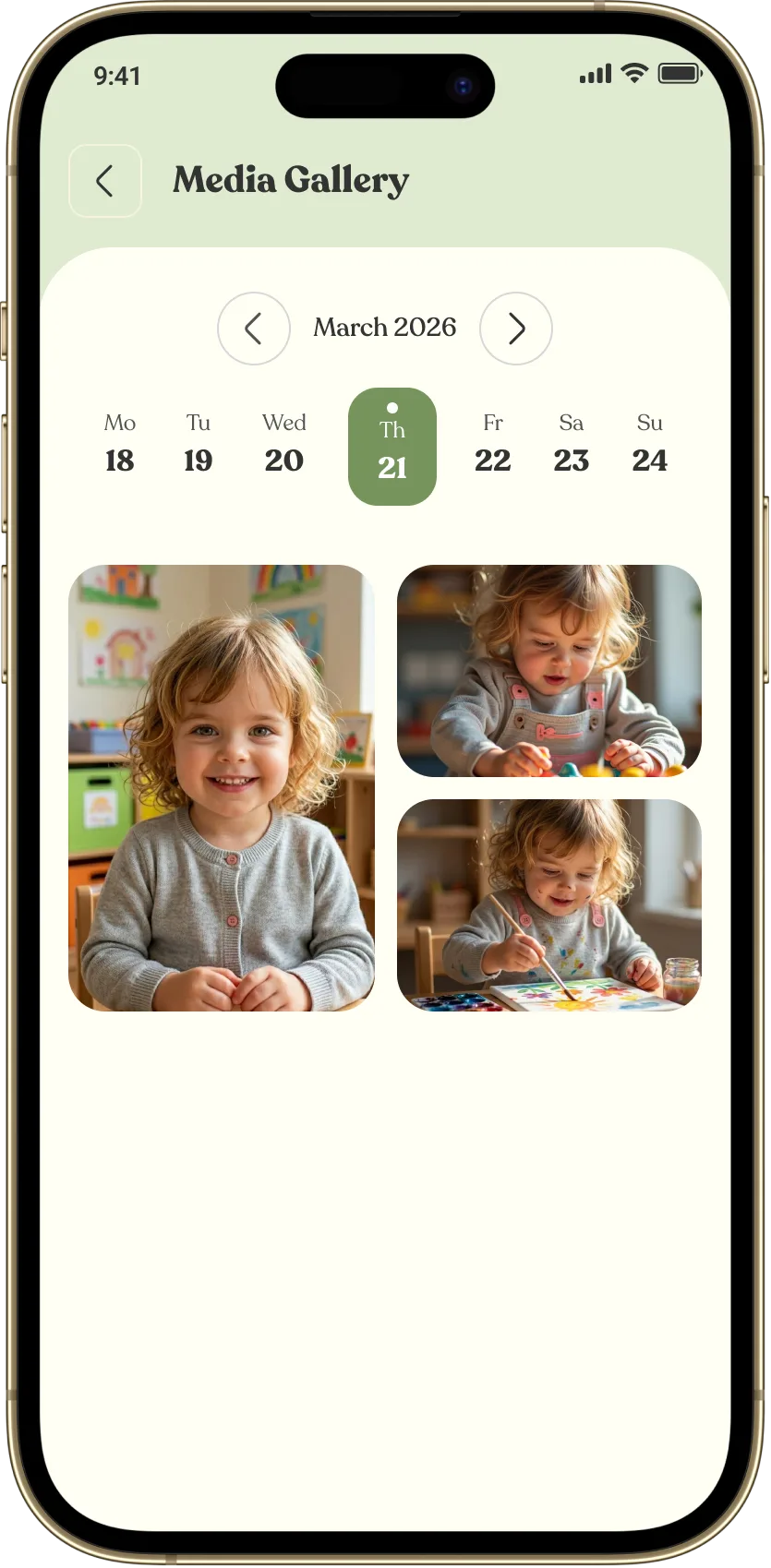
- Share photos with one child or the whole room.
- Write an incident report in a minute, message parents and post announcements.

Parent
Their day, in your pocket
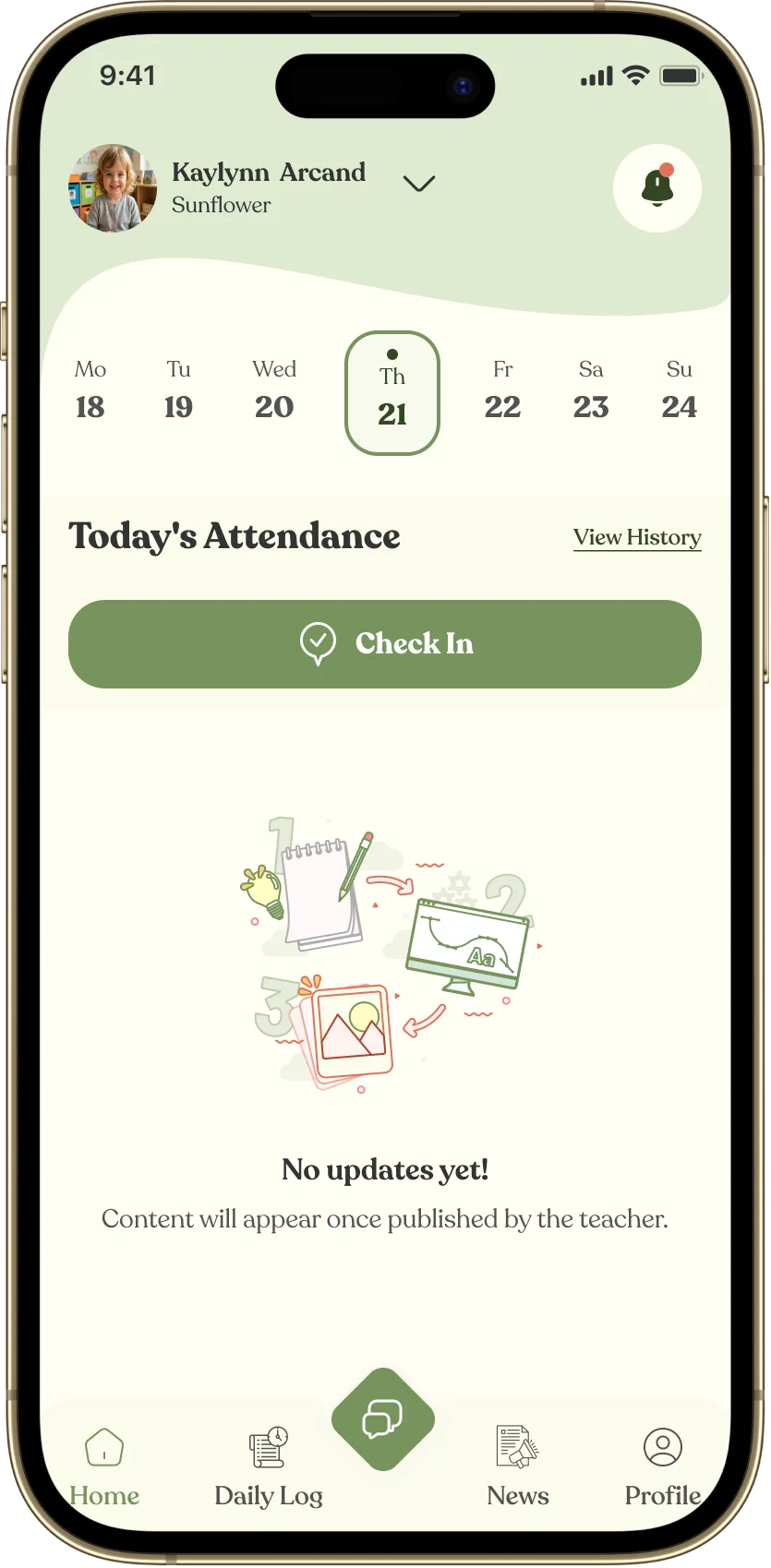
- Check in and out from the gate, and see attendance history.
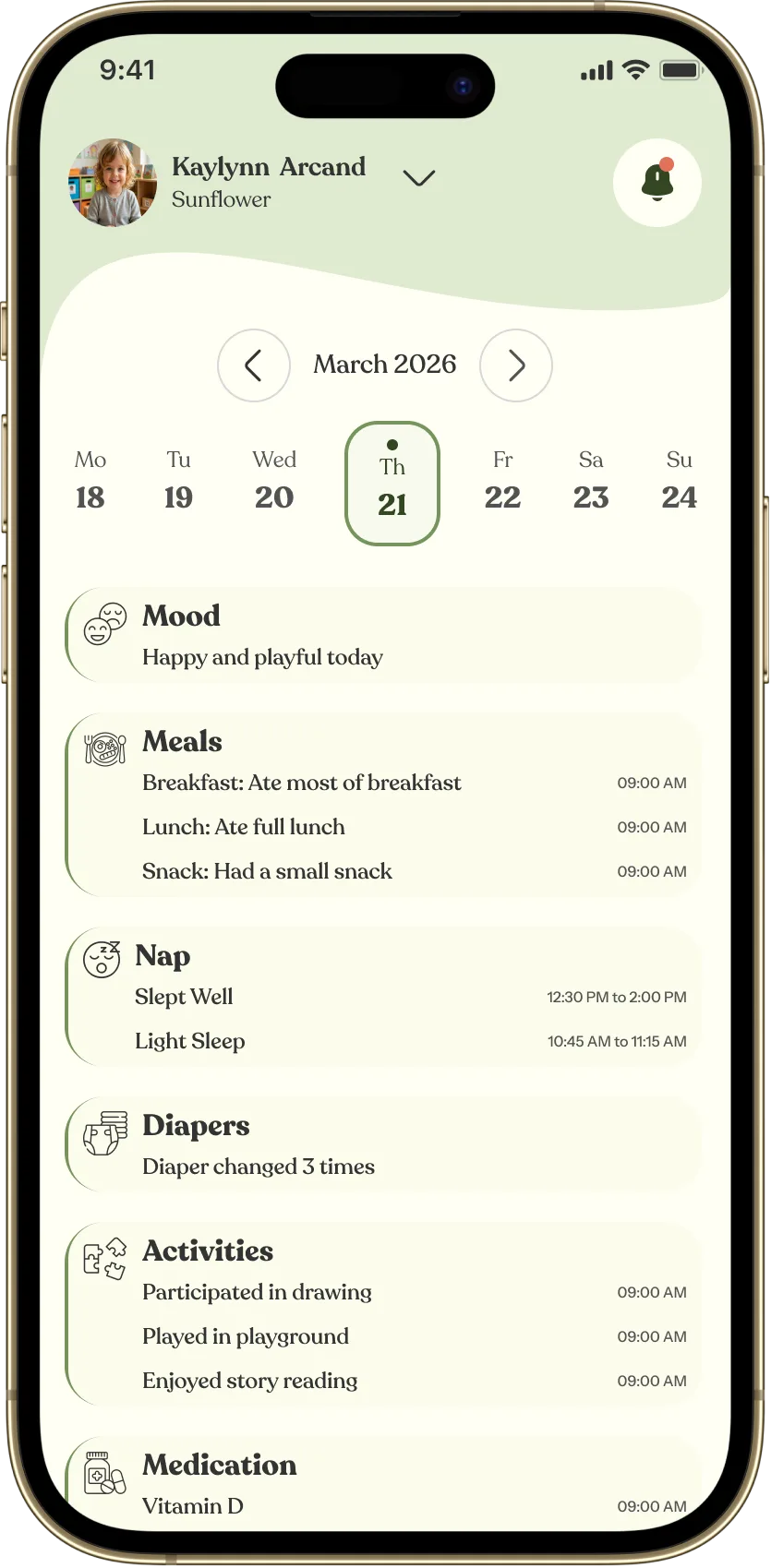
- See the day: mood, meals, nap, schedule and photos.
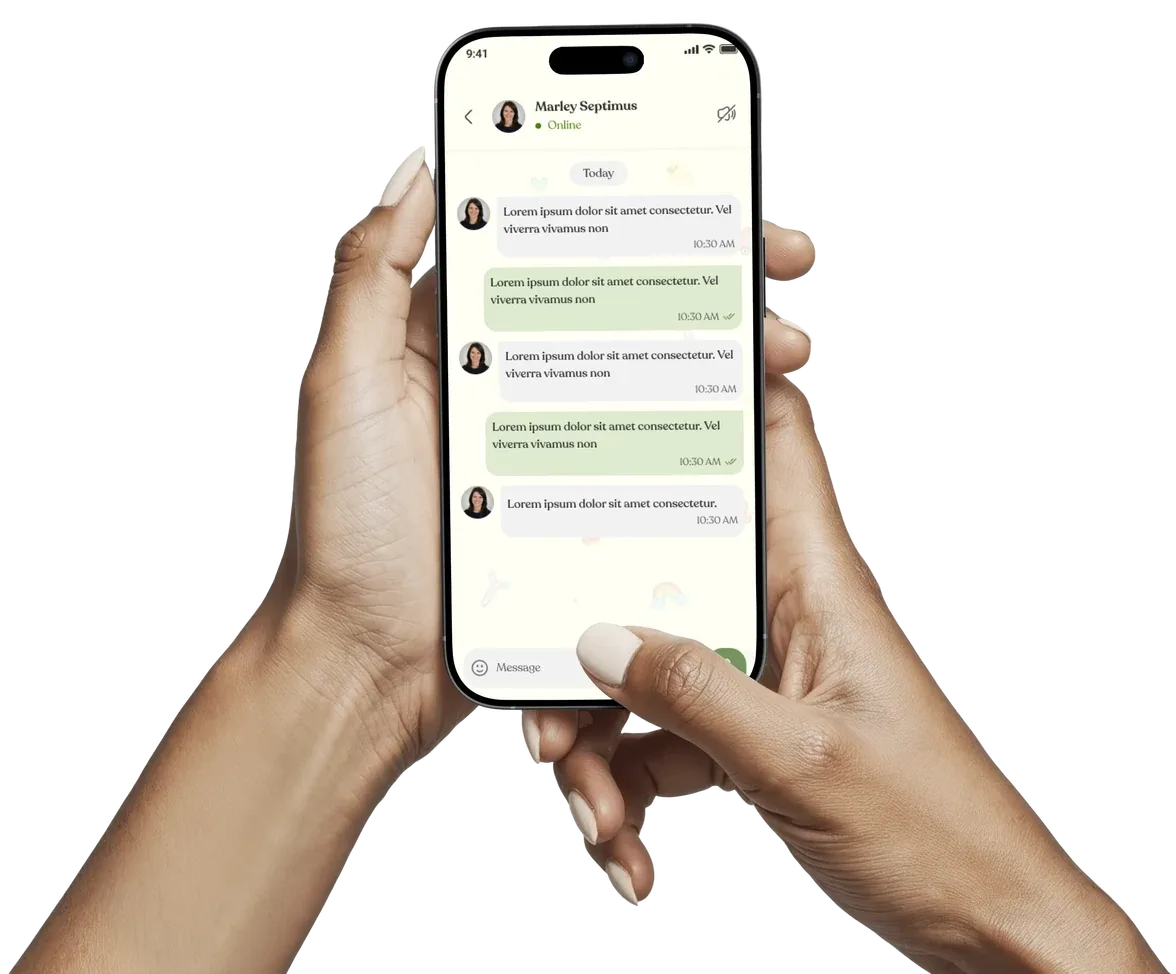
- Message the nursery, read announcements and save events.
- Keep your child's profile up to date: allergies, immunisations, who may collect them, and your quiet hours.

A day at your nursery, from open to close
Your nursery probably runs on a WhatsApp group today. Here is the same day without it.
- Drop-off
A parent taps check-in at the gate. The button only works within the distance you set. No book, no queue, no tablet.
- Room overview
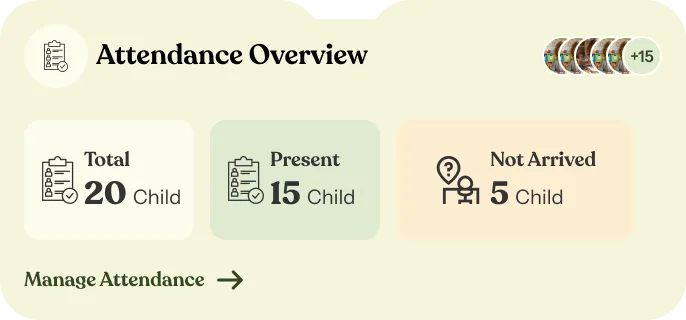
The teacher sees who is in, who is late and who is absent. Marking a child in by hand takes one tap.
- Photos
Each photo goes straight to that child's own gallery, not into a group where twelve families scroll to find theirs.
- Daily activities
Meals, nap, mood, nappies, medication: noted as they happen, not from memory at half past four.
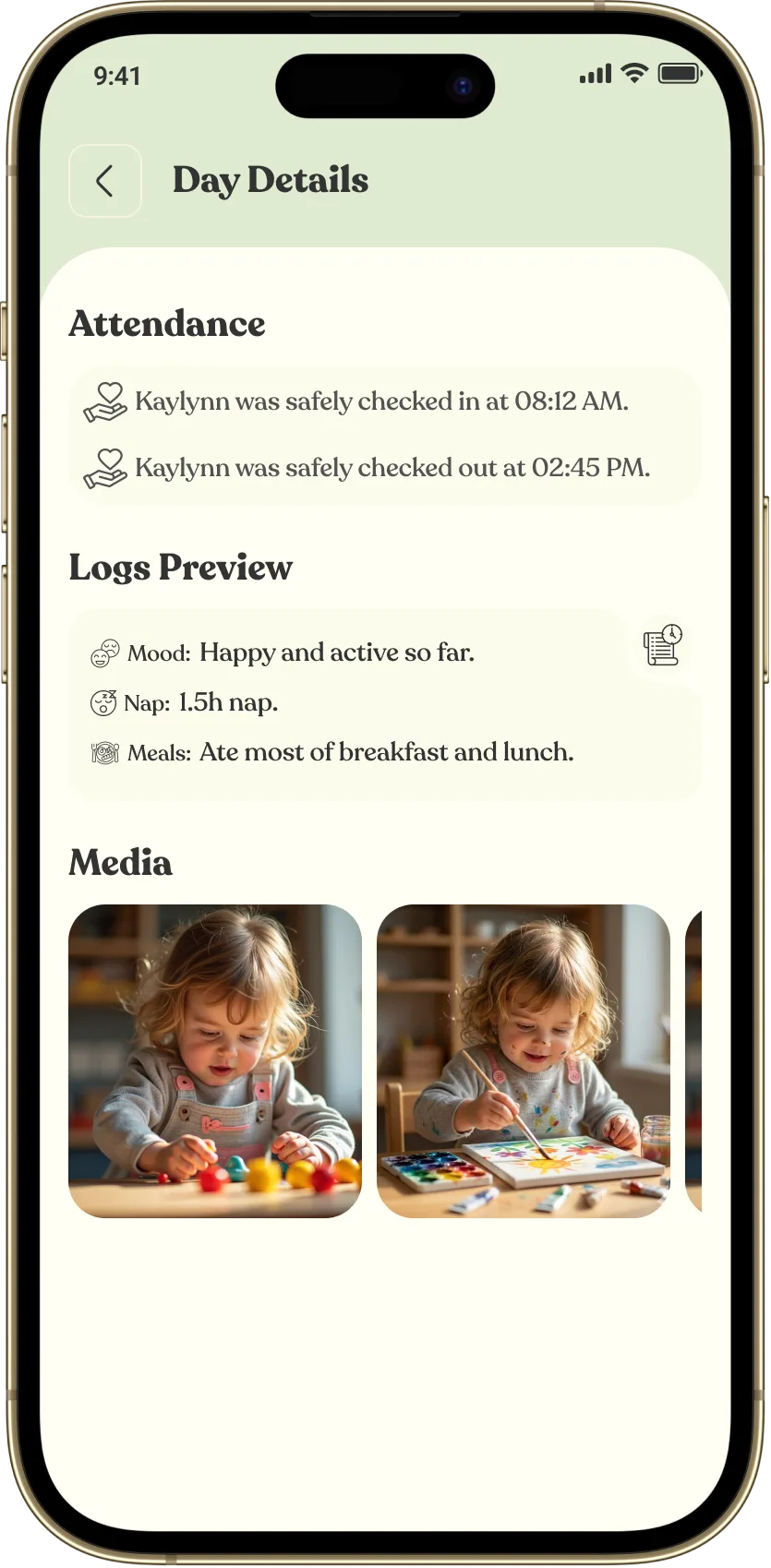
- Peace of mind at work
At her desk, a mother opens the app. Without messaging anyone, she sees what her child ate, how long they slept and this morning's photos.
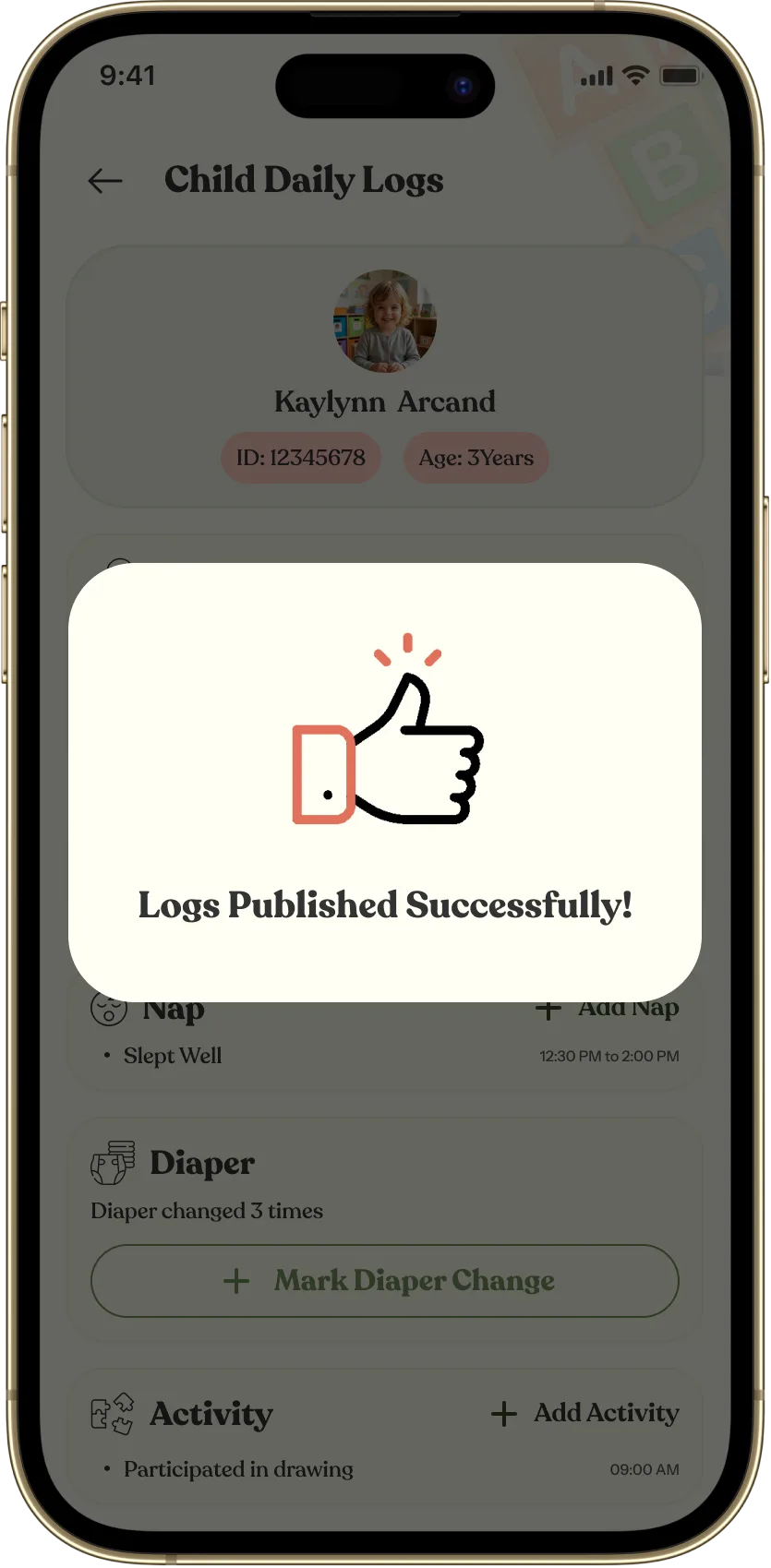
- Daily report
One tap sends the day. Every parent gets a notification in their own language.
- Questions, answered in one place
Parents message the nursery in the app, follow their child's day, and every update stays in one chat.
The day, all in one place
Nothing lost in a group chat. Nothing written twice. Nothing arriving at midnight.
Built around how nurseries really work
One-tap check-in
Parents check in and out from the gate, within a distance you set. Teachers can mark a child in by hand.
Announcements and events
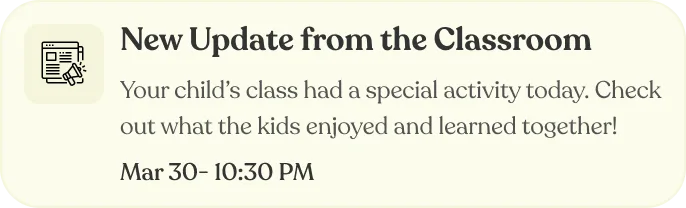
Tell the whole nursery or just one room. Announcements and events land on parents' phones. No WhatsApp group needed.
Safety and health records
Teachers log an incident in a minute. Every child's allergies, medical notes and authorised pickups are one tap away.
Know parents saw it
Parents confirm they have read incident reports, so you are never left guessing.
Respects quiet hours
Parents can set quiet hours, and you set your opening days and hours.
Everyone picks their language
Staff and parents each choose Arabic or English and see the whole app in it.
When WhatsApp, Excel and paper stop being enough
Most nurseries start there, and that is fine. Here is the same job, done both ways.
Daily report
- WhatsApp, Excel and paper
- Written twice: once on paper, once on WhatsApp.
- Yawmy Care
- Logged as it happens, then sent in one tap to every parent, in their own language.
Parent updates
- WhatsApp, Excel and paper
- Parents message at midnight, and you reply so they do not worry.
- Yawmy Care
- Parents see what their child ate, how long they slept and the day's photos, without messaging anyone.
Attendance
- WhatsApp, Excel and paper
- Marked on paper, then copied into a spreadsheet.
- Yawmy Care
- Parents check in from the gate, within a distance you set. Teachers see who is in, late or absent at a glance.
Finding last week's photo
- WhatsApp, Excel and paper
- Scrolling a group chat while twelve families look for their own.
- Yawmy Care
- Each photo goes to that child's own gallery.
Set up with us, within 48 hours
We do the setup with you, so you are never figuring it out alone.
Book a demo
A 30-minute call at a time that suits you. We show you how Yawmy Care fits your nursery's day.
We set it up with you
Within 48 hours, we set up your nursery around the way you already work.
Invite your team and parents
Invite your teachers and staff, then parents. Everyone is connected in one app.
Start your first day
Attendance, messages and daily reports, together from day one.
Simple pricing. We never charge parents.
One flat monthly fee, paid by the nursery
- Not per child, not per parent.
- No setup fee.
- No tuition commission.
- All features included.
- Unlimited parents and teachers.
Running the nursery section of an international school?
Talk to us. We will price it around your rooms.
Be among the first 10. Shape what comes next.
The first 10 nurseries keep their launch price for good and help shape what we build next. We are new, and that is exactly why your voice counts here.
You might be wondering
See your own nursery in Yawmy Care
A 30-minute call. We will show you your own nursery in the product.